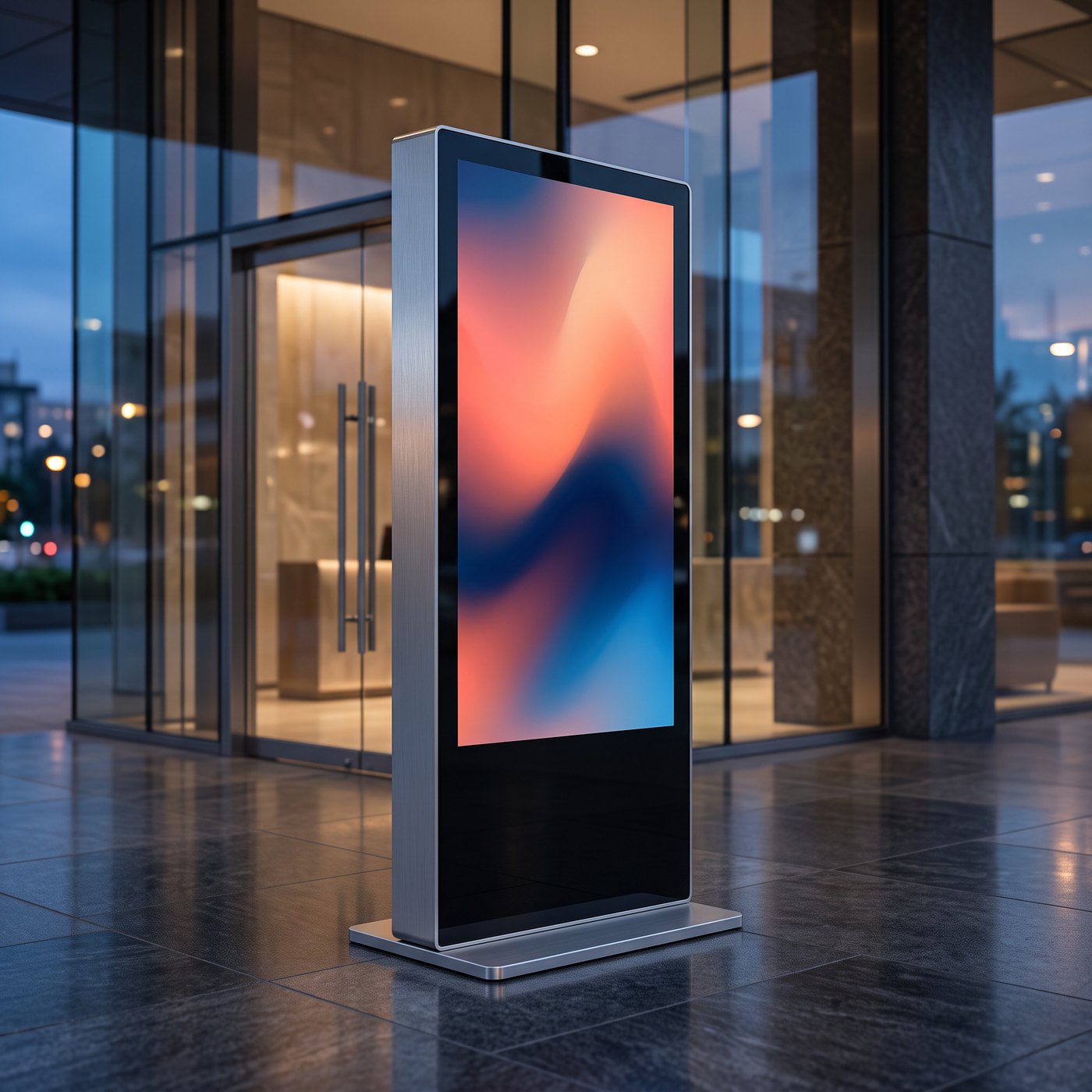
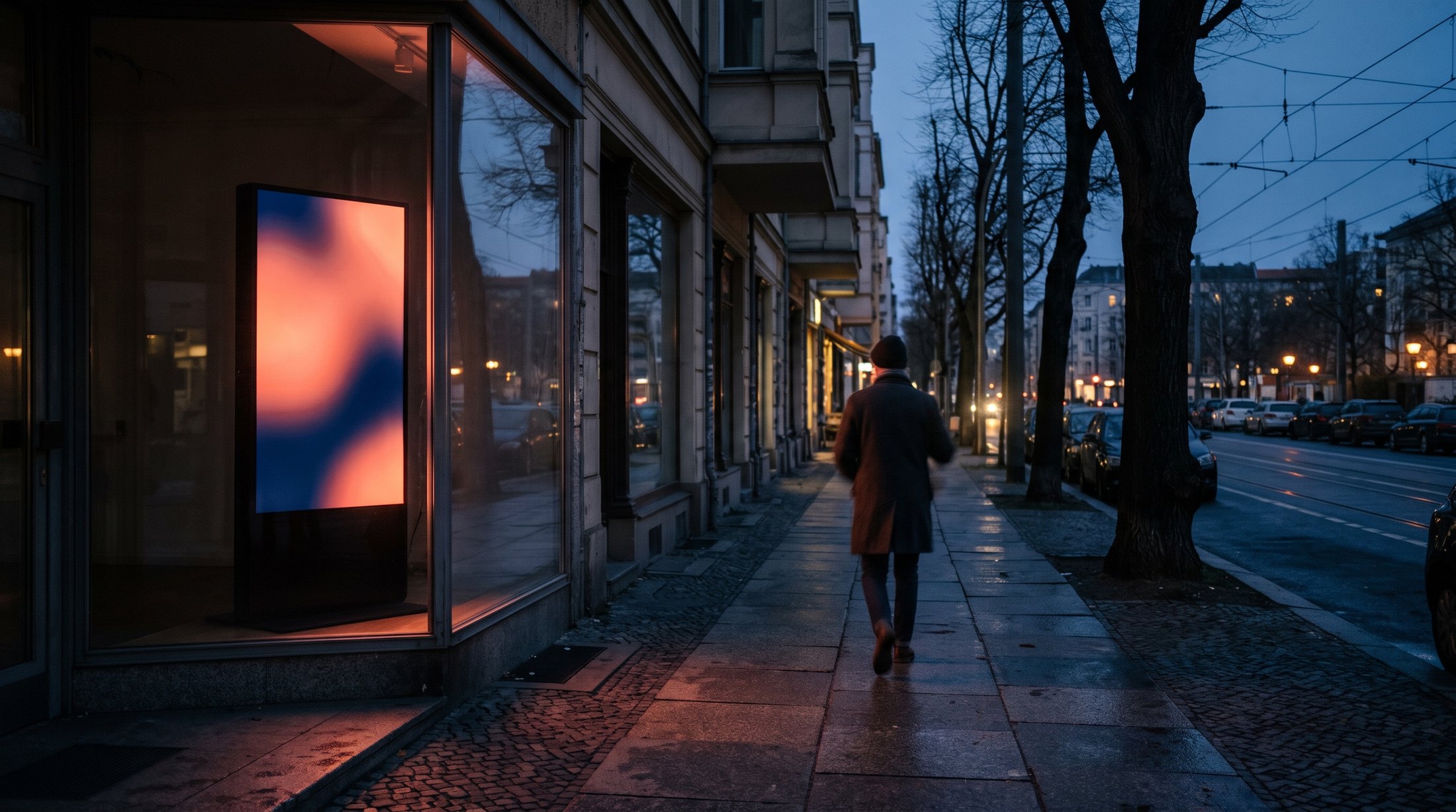
Digital signage for stores, shop windows and reception areas

Screens planned, installed and maintained.

Networkhero supplies and installs displays, shop window screens, totems and menu boards and hands them over ready for operation. Survey, mounting, content and on-site service are included, at one location as well as at many.

Since 2008in project business
More than 200 assignmentsin 2025
Own installation teamsin the DACH region
ULV Berlinregistered for public contracts

Services

From concept to service.

01

Consulting and concept

We clarify with you what the screen should achieve, where it hangs and who maintains the content. This results in a proposal with display type, size, position and effort.

02

Hardware

You receive professional displays from 43 to 55 inches and larger, plus video towers, totems and menu boards.

03

Shop window and high-brightness displays

In the shop window, brightness decides whether an image is readable in daylight. We choose the display according to orientation, glazing and heat build-up, not the catalogue picture.

04

Survey and installation

Our own installation teams measure on site, check wall, ceiling and power connection and install with the right mount. On request we work outside your opening hours.

05

CMS and commissioning

You control the content via the CMS of our sister brand Skynet Digital.

06

Content creation

We turn your offers, prices and brand messages into formats that work on screen from a distance. We adapt existing campaign visuals to portrait and landscape format.

07

Rollout for stores

We plan several locations as one project with fixed dates, a uniform standard and one contact. Every location is documented with survey and proof photos.

08

Service and maintenance

If a device fails, we come to the location, check it and replace it.

Devices

From display to information totem.

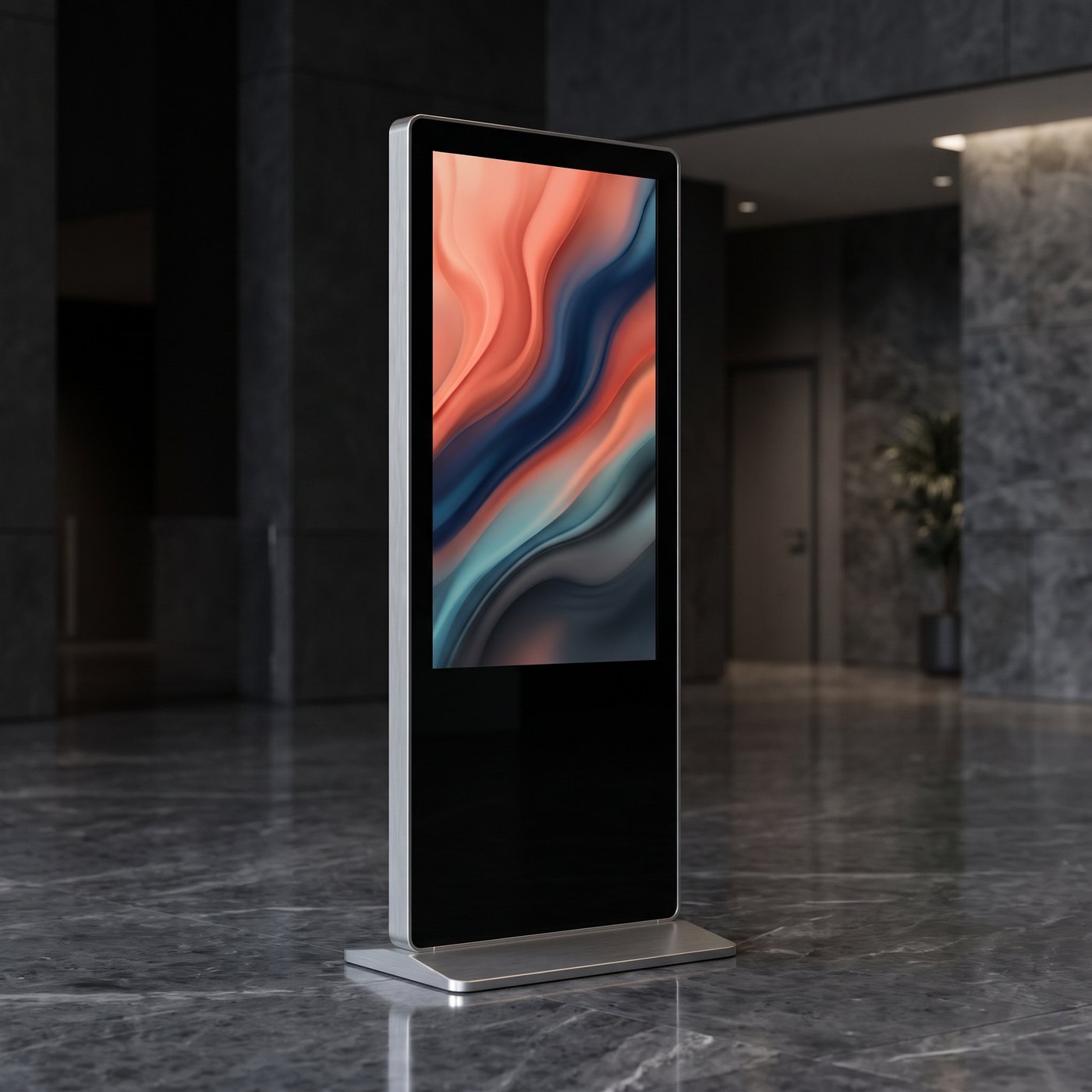
We supply and install the hardware to suit the location: displays on stands for the sales floor, totems for entrance and shop window, transparent LED film directly on the glass. You can also find individual devices in our shop bannerheld.de.
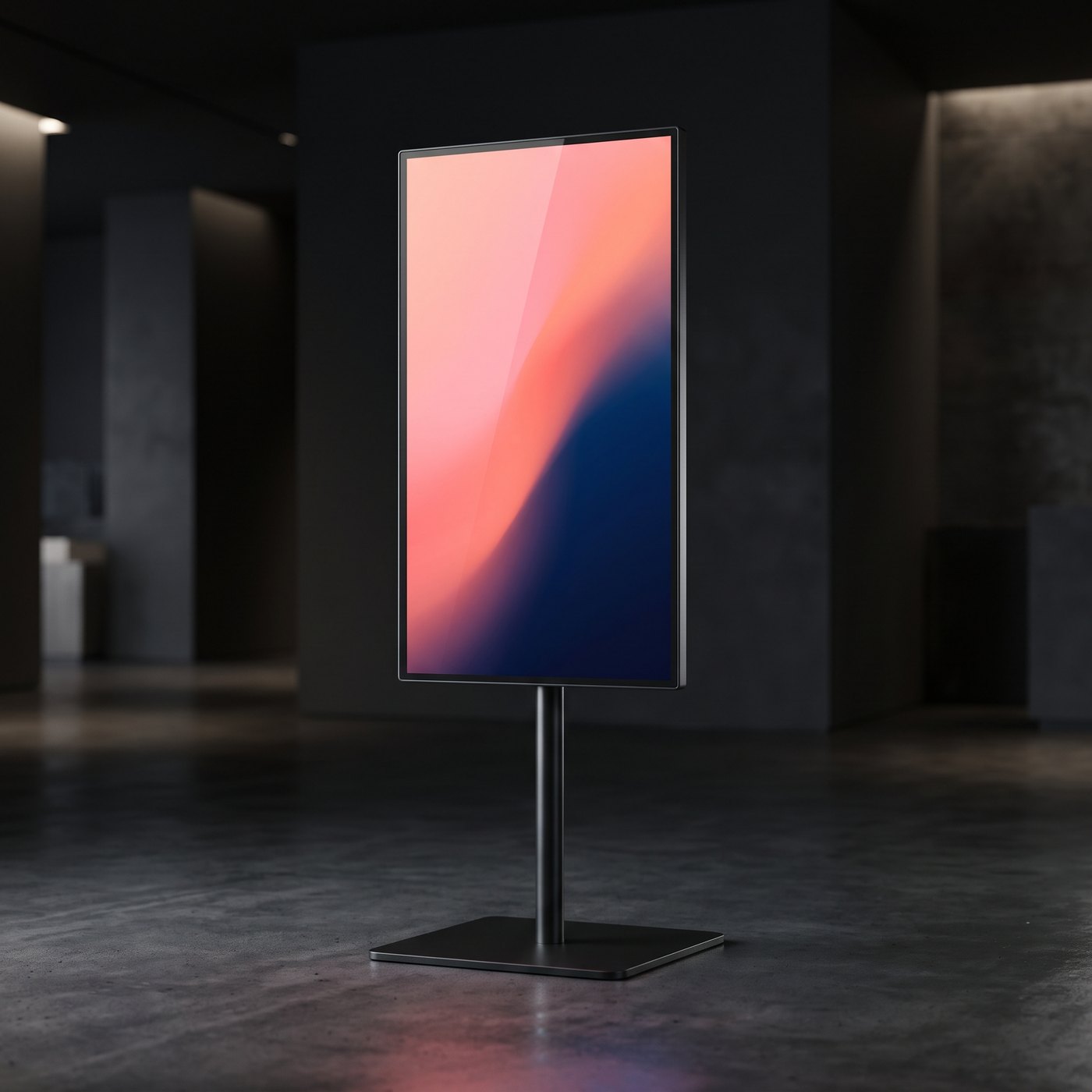
Digital-Signage-Display auf Standfuß
Display on standPortrait format, for sales floor and reception
Digitale Infostele mit Display
Digital information totemFor entrance, foyer and shop window
Doppelseitige digitale Infostele
Information totem, double-sidedTwo screens, visible from both sides

Illustrations: sample views.

Expertise

The technology behind a screen that runs every day.

01Brightness

The brightness of a display is given in candela per square metre (cd/m², also called “nits”). Indoors without direct daylight, 350 to 500 cd/m² is usually enough; in bright areas near a glass front, more like 500 to 700 cd/m². Behind a shop window a display needs considerably more: as a guide, 2,000 to 2,500 cd/m² in indirect light and around 3,000 cd/m² or more in direct sun; current shop window displays reach up to 4,000 cd/m². A typical television is at 250 to 400 cd/m² and looks pale in a shop window during the day.

02Professional panel instead of a TV

Signage displays are built for continuous operation, depending on the model for 16, 18 or 24 hours on seven days. They may be operated in portrait format and can be controlled remotely. Televisions are designed for a few hours a day in landscape format; in continuous commercial use the manufacturer’s warranty is often limited or excluded. We therefore recommend for each location the operating class that matches the actual running times.

03Player

The content is played either by a player built into the display (system-on-chip) or by a separate media player behind the device. The built-in player saves cables and one source of error; an external player is worthwhile for video walls, special formats or when displays from different manufacturers are to run uniformly.

04Network and offline operation

The player needs an internet connection via LAN, Wi-Fi or mobile network to load new content. Professional systems store content and schedules locally, so playback continues during an outage and changes are loaded after reconnection; live data stays at its last status until then. Where possible we plan a fixed LAN connection because it runs more reliably than Wi-Fi in everyday use.

05Remote maintenance

A display that nobody has to restart on site saves call-outs. Device management allows switch-on and switch-off times, volume, updates and device status to be controlled and checked remotely.

06Mounting and structural load

Before installation we check what we are fixing to: concrete and masonry bear loads differently from a drywall, which usually needs reinforcement or a substructure. The mount depends on the VESA pattern and the weight of the display; for ceiling suspensions, shop windows and free-standing totems, load-bearing capacity, stability and distance from the glass are added. We route cables out of sight and secure devices within reach of customers against tampering.

07Power supply and heat

Every display needs its own accessible power connection at installation height; totems need a supply line at the location. High-brightness displays draw more power and give off more heat; behind glass this heat builds up, so ventilation and distance from the pane are part of the planning.

Skynet CMS and Skynet Box

One system from visual to screen.

Behind every one of our screens is our own software and the matching player. Content, schedules and devices come together in one system, whether one display hangs in a shop window or a hundred screens in a store network.

Logo Skynet CMS

Skynet CMS: the software

  • Change content remotely via the cloud, with schedules and playlists
  • Template editor for your own layouts, also with several zones on one screen
  • Content generated automatically from your data: prices, menus, rates or stock levels
  • Event-driven delivery by time of day, weather or till data
  • Targeted content per location, down to real time
  • Displays from different manufacturers, totems and LED walls in one interface
  • Automatic fault alert as soon as a display fails
  • Proof of play: evidence of what ran when and where
  • Rights management with approvals for head office, stores and agencies
  • Open interface (API) to your own systems
  • Ad sales as an option: sell free airtime to advertisers, programmatically via an SSP on request

Logo Skynet Box

Skynet Box: the hardware

  • The player for Skynet CMS
  • Connected via HDMI to the screen or LED film, and the display can be controlled
  • Needs only an internet connection, via an LTE stick on request
  • Compact device, playback up to 4K
  • Turns existing screens into controllable screens too

Printed and digital together: the same campaign visual runs on the screen and hangs as a banner or film at the location.

Technology in useSamsung DisplaysAndroid 14 in the deviceTelekom Mobile network for the internet connection

View all Skynet AI systems →

For multi-site retailers

The same content at every location.

Digital signage for many locations

Anyone operating several stores needs the same picture at every location: same devices, same position, same content. We plan the rollout as one project and manage it via a project board in which you see the status of every location: survey, date, installation, sign-off.

Every location is surveyed before installation, because walls, shop windows and power connections rarely match the floor plan. After installation you receive proof photos showing that the screen is mounted, running and showing the right content.

If a device fails later, our teams travel to the location; in 2025 there were more than 200 assignments in store projects.

Process

In six steps.

Step 1

Enquiry

You describe location, goal and time frame; we get back to you with questions and a date.

Step 2

On-site survey

We check position, wall or ceiling, lighting conditions, power and network and record everything with photos.

Step 3

Concept and quote

You receive a proposal with display type, mount, installation effort, content and service as a transparent quote.

Step 4

Content and preparation

We create the content, set up player and CMS and test the system before delivery.

Step 5

Installation and commissioning

Our team installs, cables, commissions and documents the result with proof photos.

Step 6

Operation and service

You or we maintain the content; in the event of faults we come to the location and replace devices if necessary.
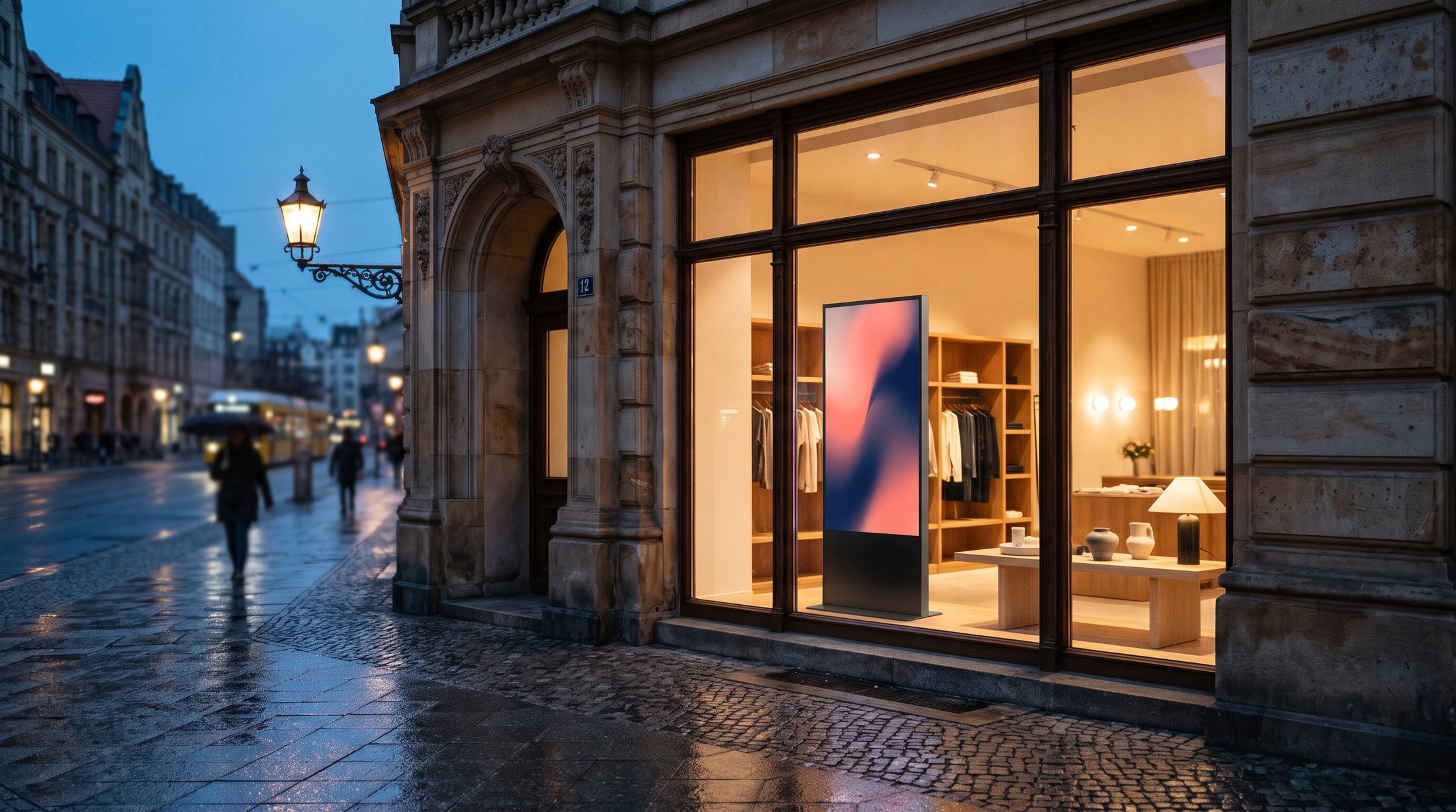
Screen im Schaufenster
Screen in the shop windowSample view with demo visual
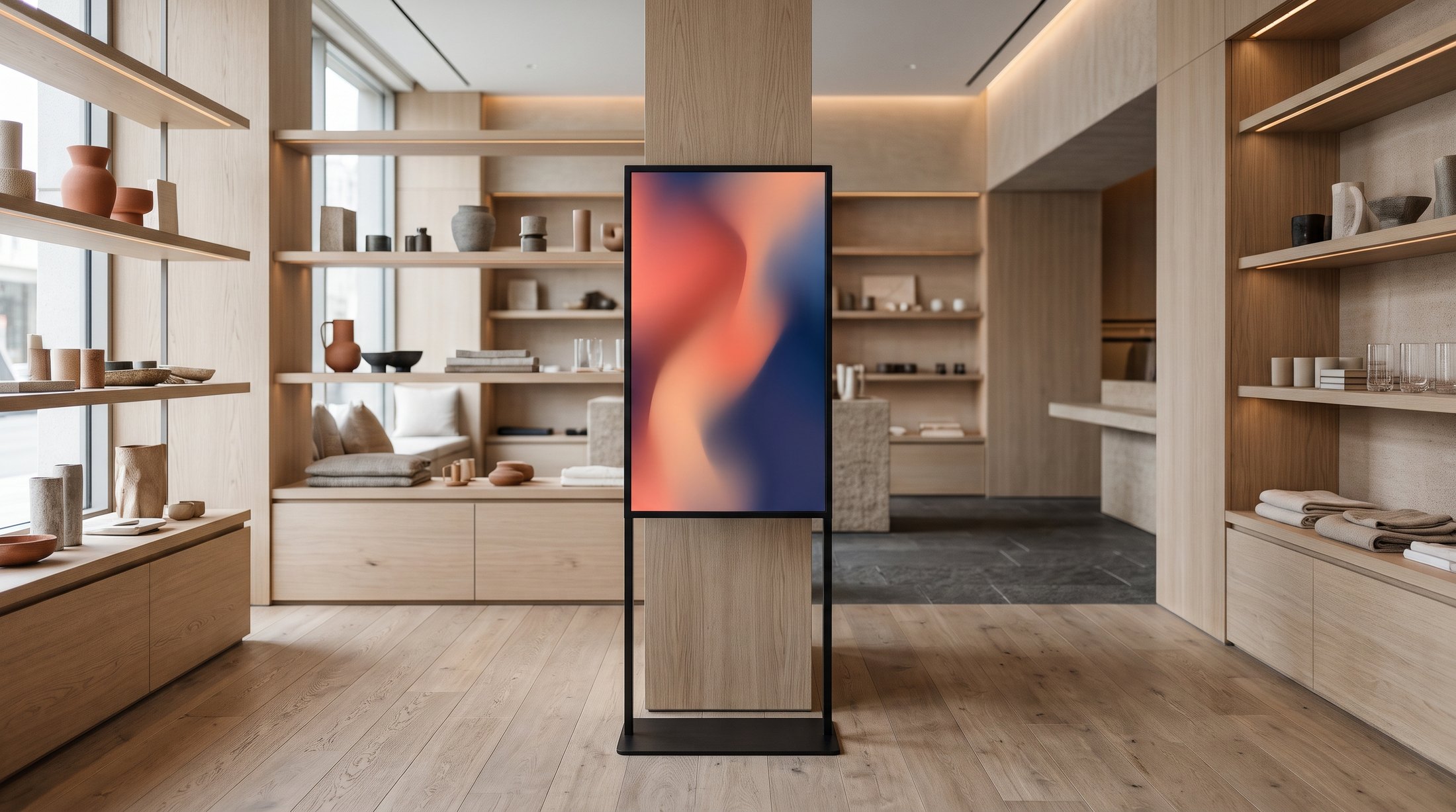
Screen im Verkaufsraum
Screen on the sales floorSample view with demo visual
Sichtbar vom Gehweg
Visible from the pavementSample view with demo visual

FAQ

Frequently asked questions.

What does digital signage cost?

The price depends on a few factors: number and size of displays, brightness class (indoor or shop window), type of mount and installation effort, power and network connection, scope of content and the term of CMS and service. After the survey you receive a quote in which these items are shown individually.

Can I change content myself?

If you would rather not do this yourself, we upload the content for you.

What happens if the internet goes down?

New content and changed schedules arrive as soon as the connection is back.

How are the screens maintained?

A lot can be checked and fixed remotely, such as restarts, schedules and updates.

Do you also install outside opening hours?

In shopping centres we take the requirements of the centre management into account.

Where should your screen hang?

Briefly describe your project. We will get back to you with questions and a date.

To the form

Enquiry

Request a project

Briefly describe your project. We will get back to you with questions and a date.

Kontakt Formular DE